Touch of Evil
95, 109 or 110 minutes? Compare the opening credits, music and cut named in the menu.
Identify a Touch of Evil copy →Version Guides
Start with the cut you want to see. Then compare the restoration, soundtrack and subtitles. “Original” and “restored” can describe the same edit; a director’s preferred cut can be shorter than the first version. Here is how to read the listing and choose.
8 guides currently published
Choose by film title ↓Already found a copy?
A running time rarely settles it. Compare the label and the clues in the film, then see what to check next.
95, 109 or 110 minutes? Compare the opening credits, music and cut named in the menu.
Identify a Touch of Evil copy →148, 150 or 153 minutes? Check the restoration credit and recovered footage before chasing a longer version.
Identify a Metropolis copy →Read the edition, then choose
A restoration can repair damage and recover missing material. A cut identifies an arrangement of scenes. The restoration notes tell you which version was worked on and what changed. FIAF’s restoration lexicon explains how restoration and reconstruction can overlap, and why “remastered” alone says little about the work performed.
Restoration vs remastering: read the labels before you buy → Follow the source material, the repair work and the format you will actually watch, with Citizen Kane and Metropolis as examples.
01 · Original or restored?
Open the edition’s feature list. Look for the named cut alongside the restoration credit: one release may contain several edits.
Criterion’s Andrei Rublev edition pairs a restored 183-minute cut preferred by Tarkovsky with the original 205-minute version. Here, choosing the longest version takes you away from the director’s preference.
Choose a first viewing of Rublev →02 · Director’s cut?
Look for the editor, the director’s involvement and the date. A later reconstruction can follow a director’s notes without being an edit the director completed.
Touch of Evil’s 1998 reconstruction follows Welles’s memo. Jonathan Rosenbaum, a consultant on the project, explains why the team did not regard it as restoring a director’s cut.
Compare the three Touch of Evil versions →03 · A longer silent film?
Check projection speed, intertitle language and music as well as the cut. Those choices affect how the film moves and feels.
Criterion’s The Passion of Joan of Arc offers a 24 fps restoration and an alternate 20 fps presentation with Danish intertitles. Its three scores add another choice.
Check the sourced runtime record →Find your film below for a first-watch recommendation. Match the named cut or restoration to the actual disc or streaming listing, then check the subtitle language, soundtrack and playback region. A Blu-ray’s bonus features belong to that edition; check the streaming listing separately when renting the film.
A high-resolution scan can preserve the texture of the film as well as the scene. The speckling is not automatically dirt to remove. FIAF’s restoration guidance distinguishes original film grain from later damage and warns against smoothing it away or replacing it with artificial grain.
When choosing between two uploads or editions, compare the same shot at a similar display size. Look beyond which picture seems smoothest:
Then check what the restoration had to work with. For The Lady Eve, Criterion technical director Lee Kline describes choosing a fourth-generation film element because the preferred earlier materials were missing. Its 4K scan could not remove that distance from the camera negative.
Neither the grainiest copy nor the smoothest wins automatically. Choose the presentation that keeps the scene legible and explains where its image came from.
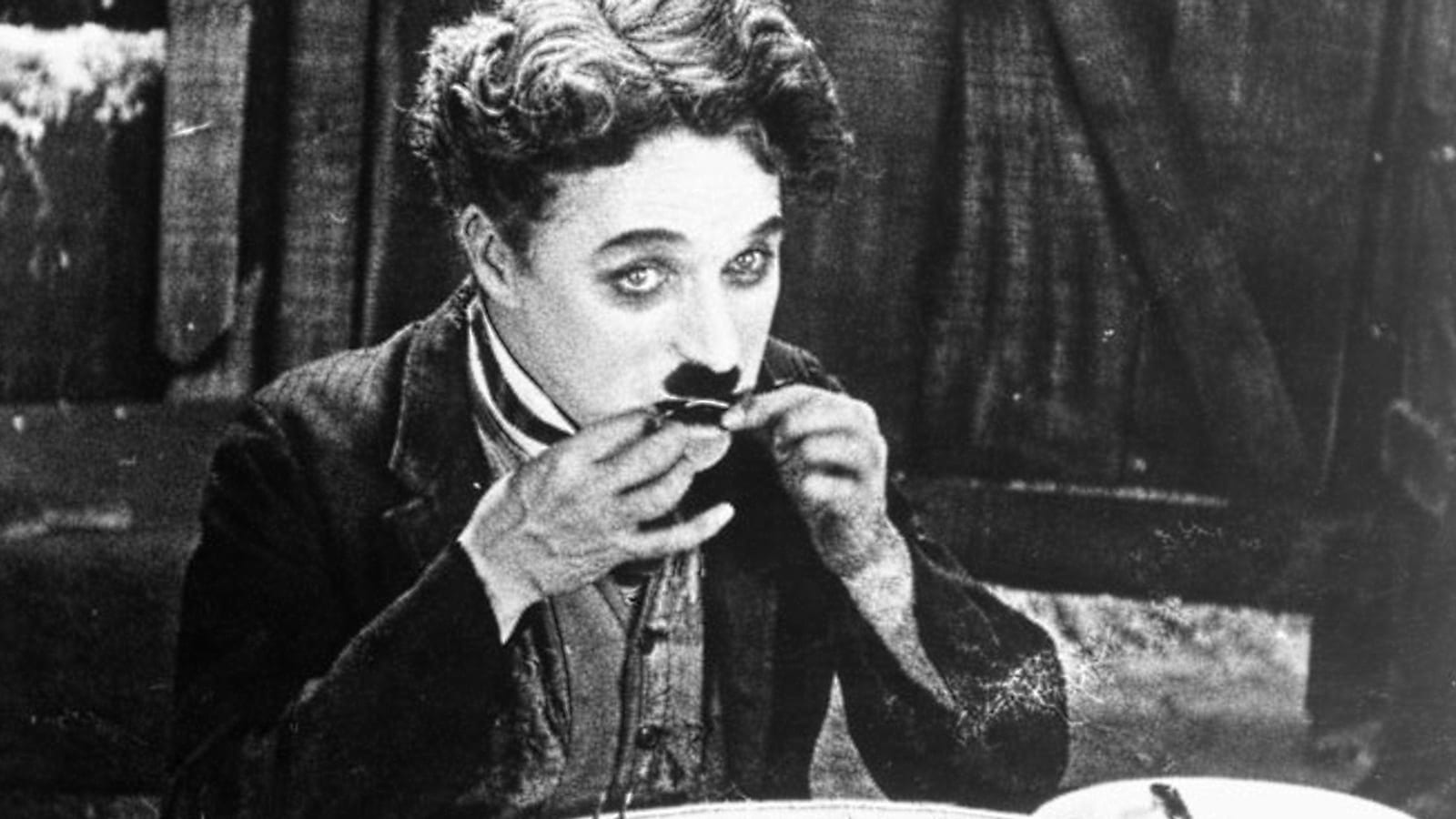
The Gold Rush · 1925
Start with a reconstructed 1925 silent presentation—preferably the clearly labelled 2025 4K restoration—then compare Chaplin’s 1942 reissue.
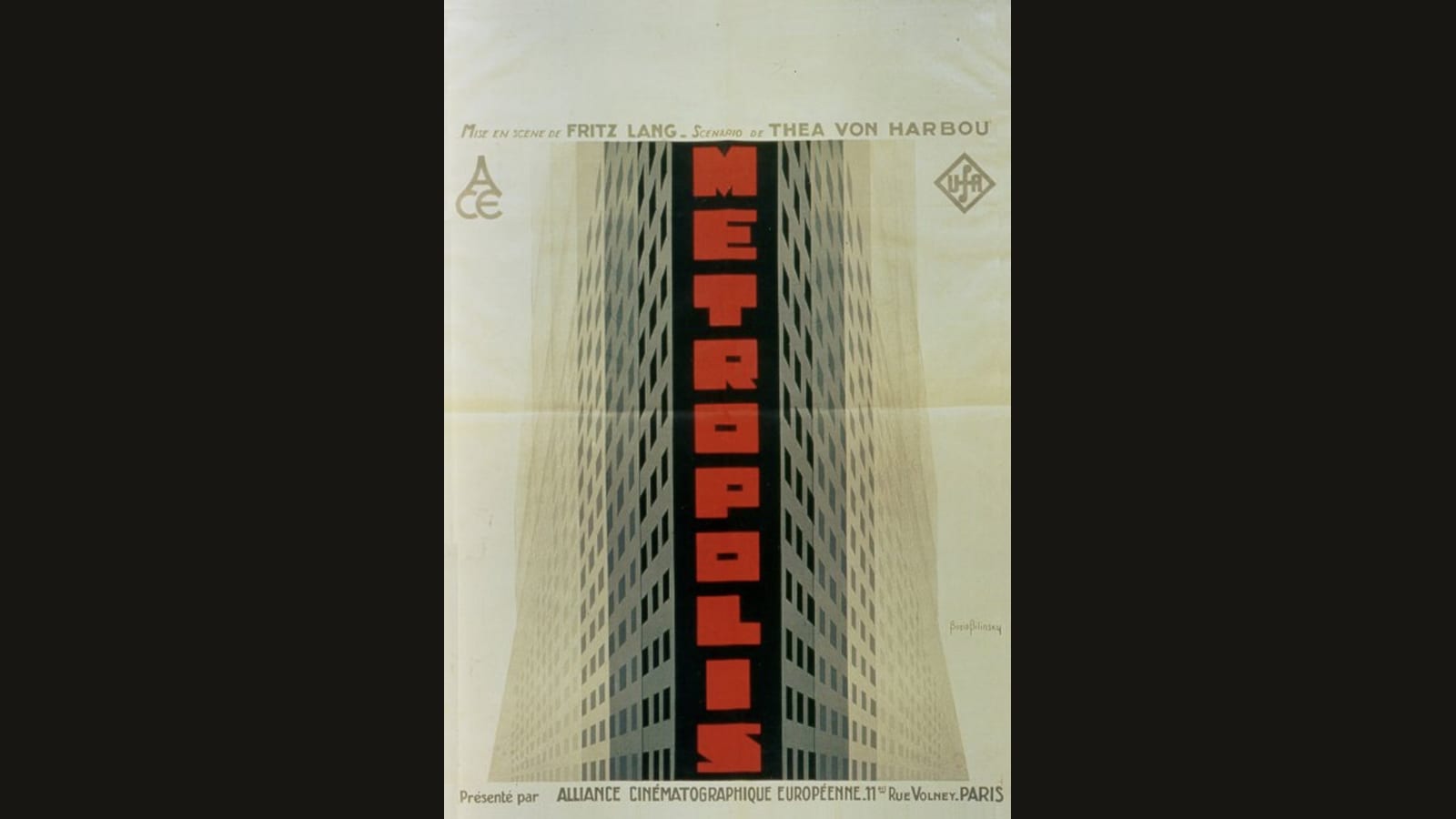
Metropolis · 1927
Choose the nearly complete 2010 restoration (148–150 min); identify it by its restoration credits, Buenos Aires footage, and Huppertz score.
Nosferatu · 1922
Choose among the three films, identify a 1922 presentation by its score and edition credits, and compare a free modern-score stream with historical-score discs.
Citizen Kane · 1941
Choose Criterion 4K UHD for Dolby Vision HDR or Blu-ray for 1080 HD; both present the 119-minute restoration with original mono sound.
Pather Panchali · 1955
Choose a Criterion disc format your player supports, then follow Pather Panchali, Aparajito and Apur Sansar in order.
Tokyo Story · 1953
Choose a restored Japanese-language presentation of the original 1953 film, with readable subtitles and the correct near-square image.
Touch of Evil · 1958
Start with the 1998 reconstruction based on Orson Welles’s editing memo, compare the other cuts, and choose a Blu-ray or UHD edition for your player.
Godzilla · 1954
Start with Ishiro Honda's 96-minute Japanese original. Save the shorter 1956 American re-edit for a later comparison.
Compare disc editions and alternate cuts in these Film guides: